Before You Publish Your AI Website, Change These 3 Things

With Nadoo's AI website builder, there are three things to change before you publish: your logo, the hero images at the top, and the company details in your footer. AI fills in the copy and photos, but these are details only your business knows.
Did one line of text just turn into a full homepage? Congratulations! 🎉 But don't rush to hit Publish just yet. Let's run through a quick checklist together. It won't take long.
✅ Checklist 1: Replace Your Logo
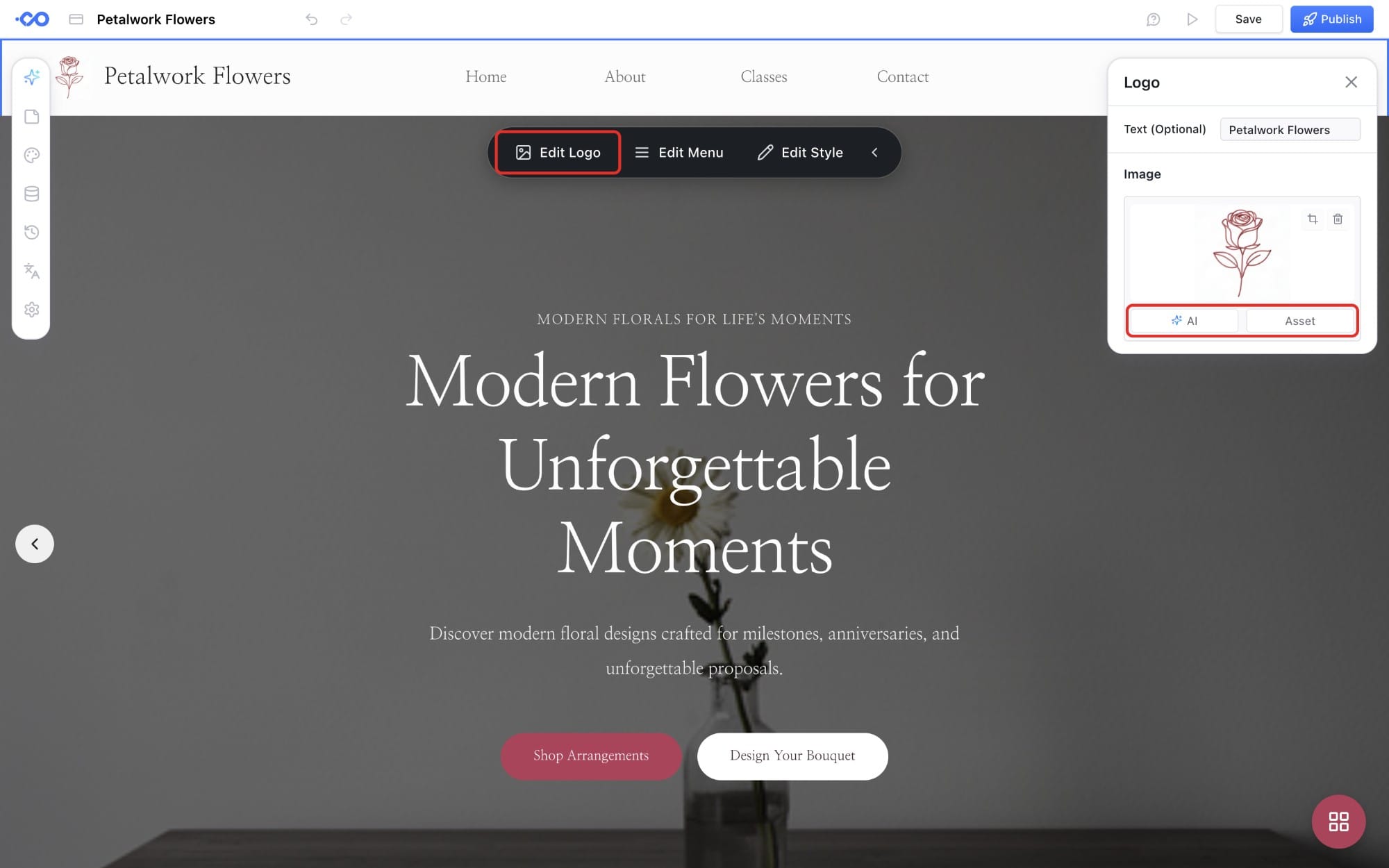
Look next to your site name at the top. That's a temporary icon, not your logo, and it's up to you to change it.
If you already have a logo, just upload it. No logo yet? Let AI handle it. Describe the look you want, and Nadoo AI will design a logo for you.
A single rose and two leaves drawn with one thin line. Dusty rose only, symbol only, no text
✅ Checklist 2: Swap Your Hero Images
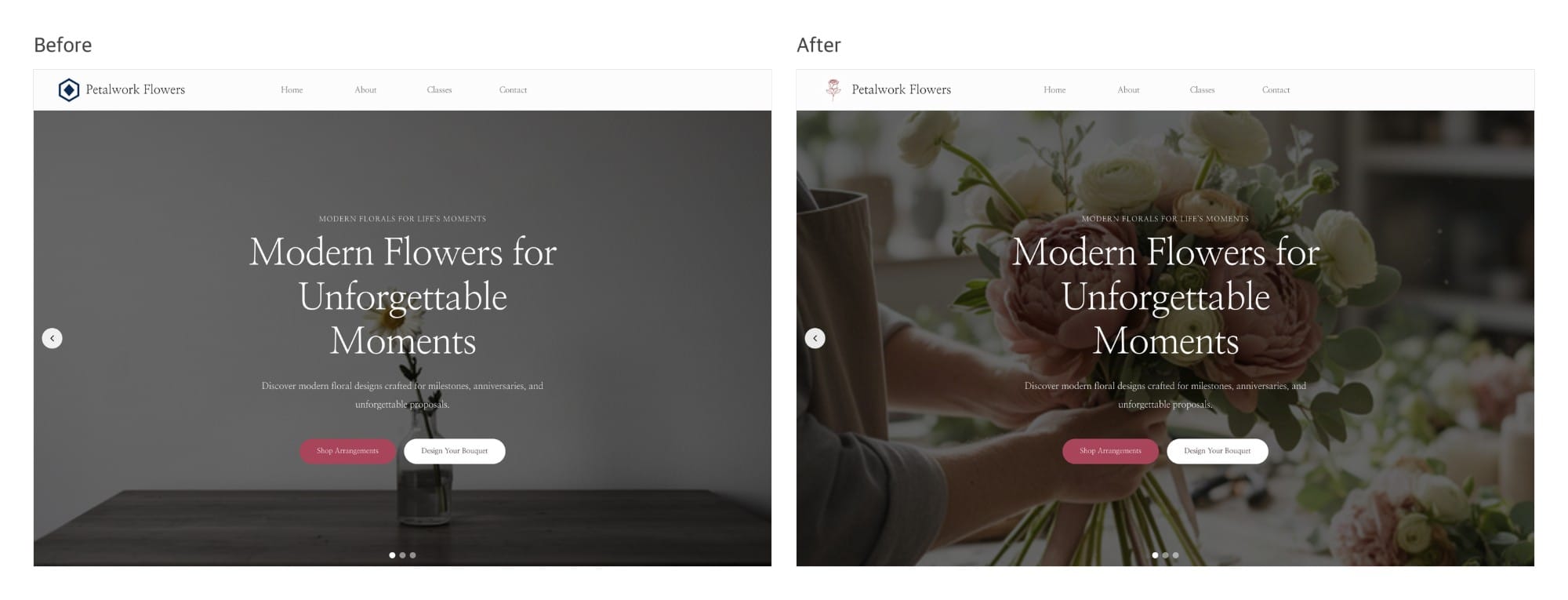
The big image at the top is the first thing visitors see. Nadoo AI did a solid job, but wouldn't it be nice if it showed a bit more of your brand? The hero is a slider with several images, so you can change them one at a time. Upload your own photos or create new ones with AI.
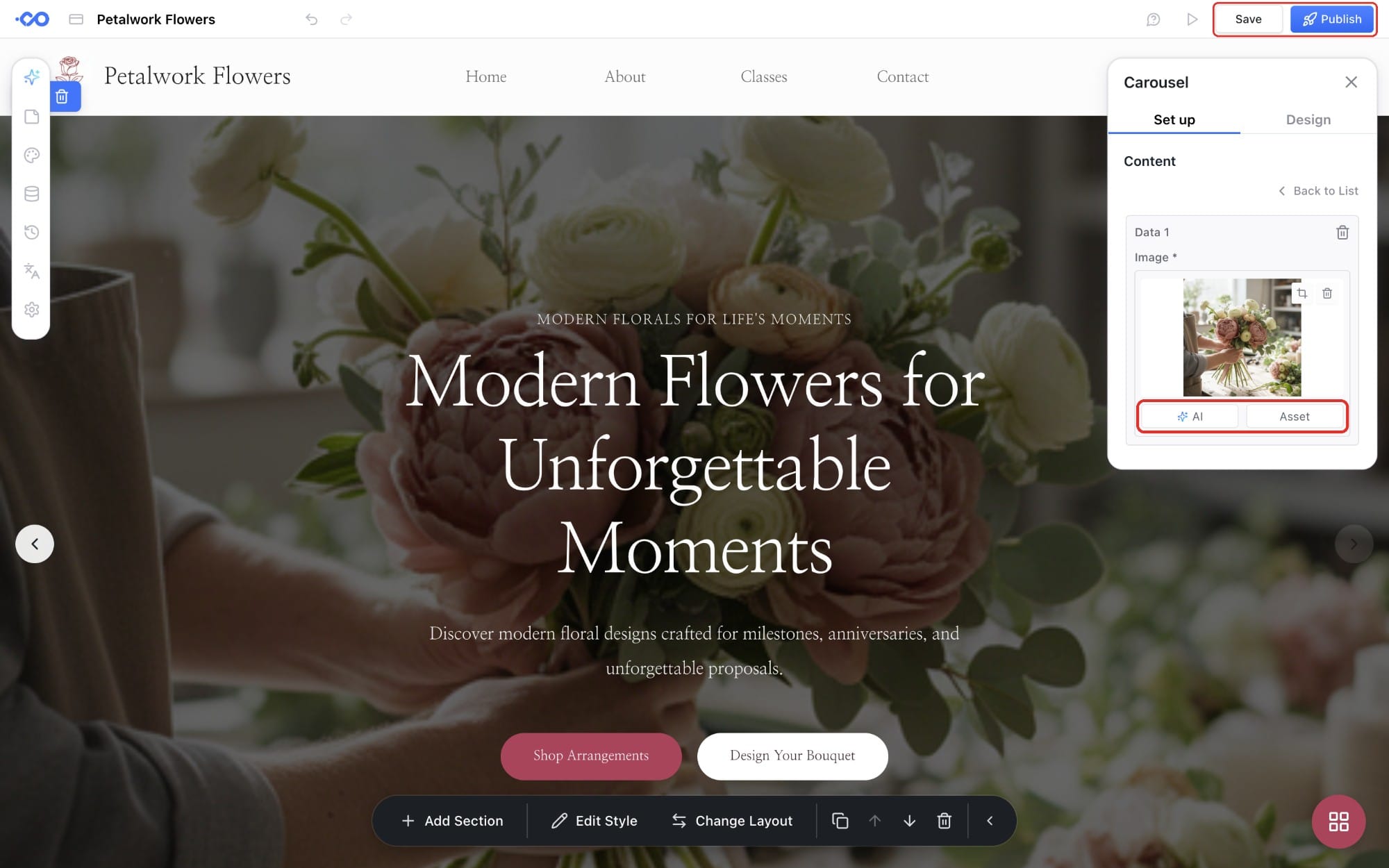
See how much fuller it looks with just a new logo and photo?
✅ Checklist 3: Update Your Company Details
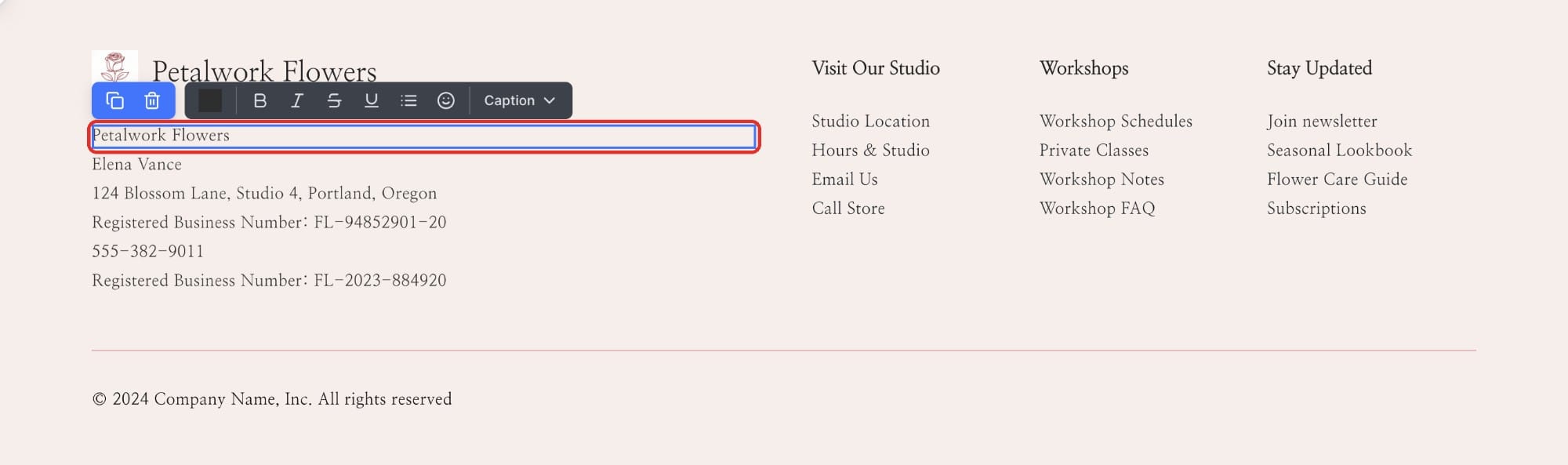
Scroll to the very bottom of your homepage. See the company name, owner, address, business numbers, and phone number listed there? Those are sample values Nadoo AI added as placeholders, so be sure to replace them with your own. Just click the text to edit it.
Don't forget the address on the map next to the contact form, too. If there's a section introducing partners, swap the sample names and logos for your real partners, or delete them. Real information is what earns visitors' trust.
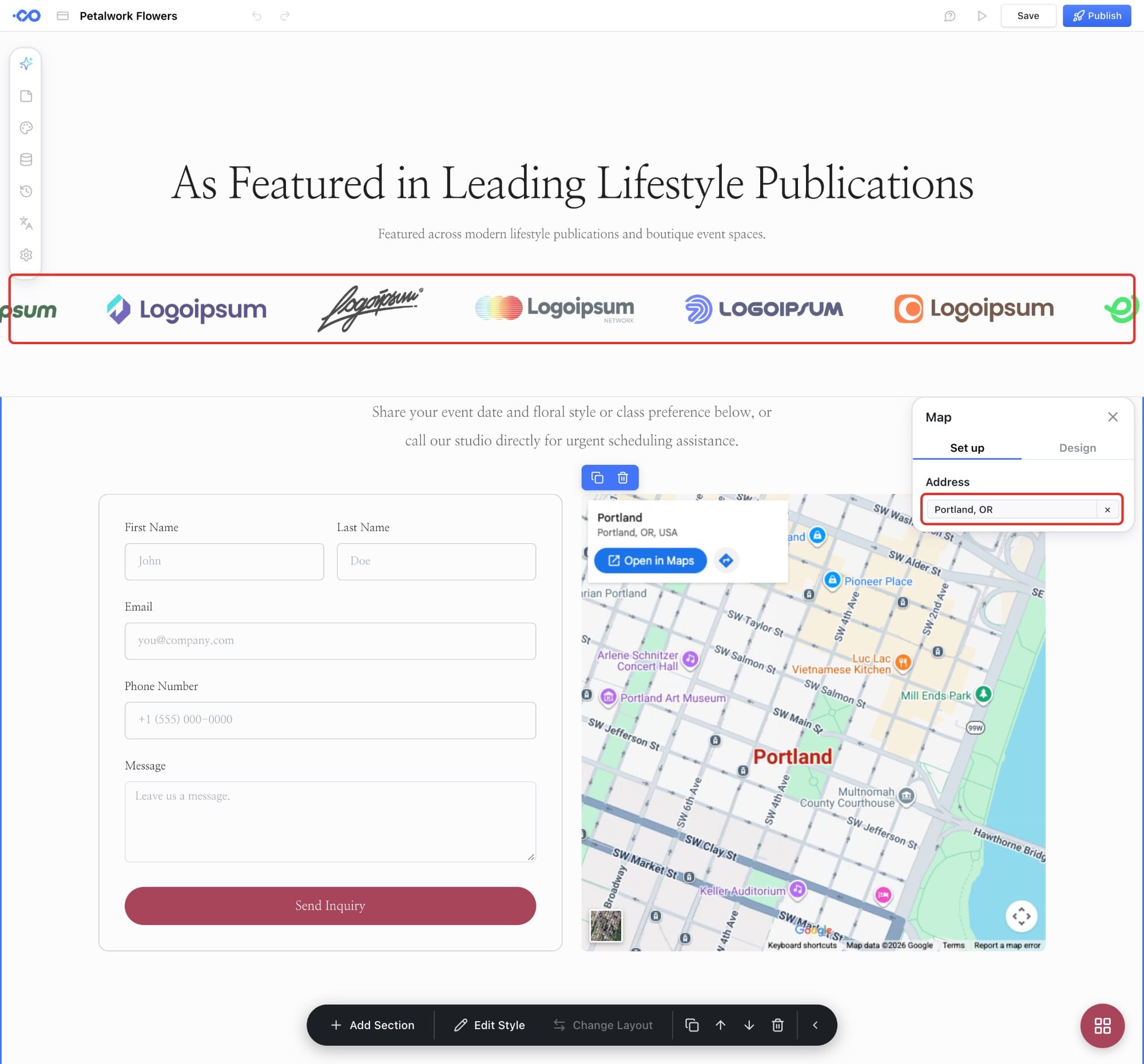
Once everything's updated, save and publish, and you're done.
Now it really feels like your website, doesn't it?
Now it's really time to publish. Who knows? Customers might start pouring in the moment you go live! 😆
In the next post, we'll show you how to add pages so visitors stay on your website longer.